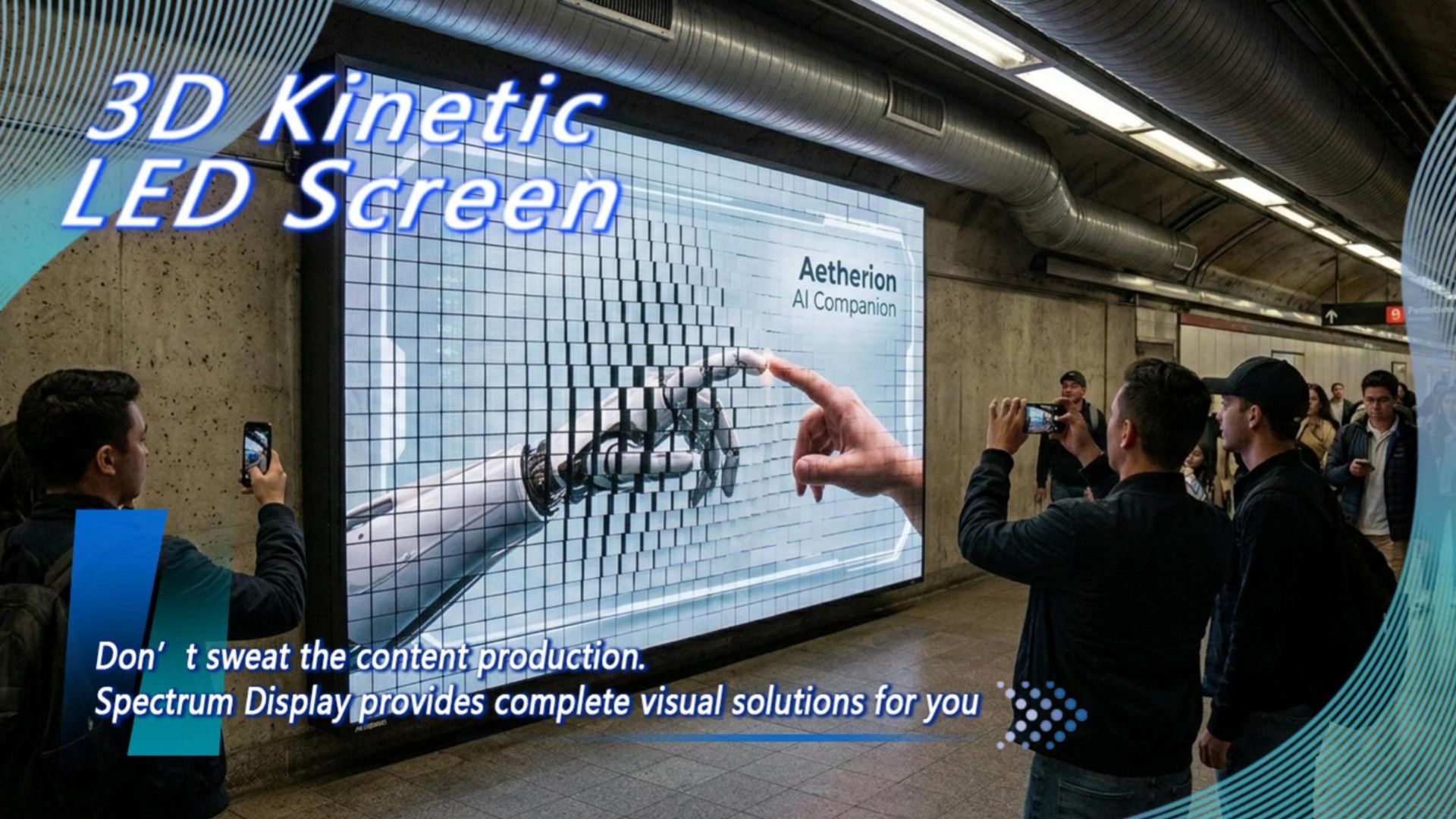
Struggling with Kinetic Screen Content? Exclusive AE Plugin Makes 3D Motion Trajectories "WYSIWYG"
[Introduction]
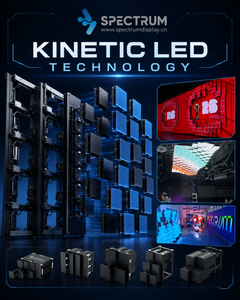
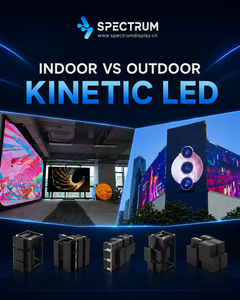
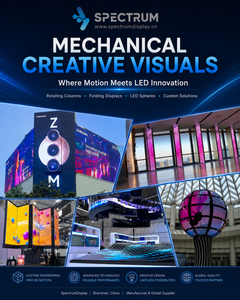
In the actual implementation of kinetic visual projects, many teams often get "stuck" at the final content creation stage. Facing a 3D matrix composed of hundreds or thousands of motors, the biggest headache for visual design teams is: how to create content for retractable kinetic screens? Traditional kinetic screens require programmers to write complex underlying control codes. The visual imagery is completely separated from the mechanical movement, leading to inaccurate alignment and extremely tedious modifications. As a comprehensive service provider of dynamic display systems and spatial digital equipment, SPECTRUM provides an answer that completely liberates designers: our exclusive, proprietary MotionMatrix4 plugin. It transforms profound mechanical control into the designer's most familiar "layer blending," truly achieving zero-barrier 3D interaction!
I. Breaking the Barrier: Turning "Coding" into "Drawing Grayscale Maps"
For visual teams, learning a completely new mechanical control logic is a massive hurdle. The brilliance of the SPECTRUM MotionMatrix4 plugin lies in its direct integration into the world's most popular software for visual designers: Adobe After Effects (AE).
Principle Analysis: How Does One Image Control the Physical World?
MotionMatrix4 ingeniously utilizes the "Grayscale/Luminance" principle, a concept deeply familiar to designers, to drive the physical displacement of the motors:
Pure Black (0% Luminance): Represents the mechanical module in its initial position (flat/not extended).
Pure White (100% Luminance): Represents the mechanical module reaching its maximum retractable stroke (e.g., 200mm for the SPKI-160, or 600mm for the SPKO-500).
Various Grayscale Levels (1%-99%): Represent the module resting at a proportional intermediate physical depth.
This means you only need to draw a white-to-black gradient circle or create a grayscale animation of water ripples in AE, and the workflow to generate screen motion trajectories with AE is completed instantly! The screen will automatically produce silky-smooth physical undulations based on the light and dark variations of this grayscale layer.
II. Minimalist Workflow: The "WYSIWYG" Visual Magic
SPECTRUM has built a minimalist closed loop from "content creation" to "playback execution." In just three steps, you can deliver stunning kinetic visual masterpieces:
Creative Visual Production: Create your core visual content in AE (e.g., 3D modeling, cosmic stars, fluid particles, brand logos).
Overlay Grayscale Control Layer: Create a new pre-composition above the visual layer specifically for black-and-white grayscale animation (which can be easily generated via masks, shape layers, or fractal noise). The brightness variation of this layer becomes the physical undulating trajectory of the future screen matrix.
One-Click Export via Plugin: Open the SPECTRUM MotionMatrix4 plugin and bind the "visual layer" with the "grayscale control layer." The plugin provides a "What You See Is What You Get" (WYSIWYG) real-time preview in a 3D perspective right within the AE viewport. Once confirmed, render and export to our exclusive format with a single click.
The final exported file is imported directly into SPECTRUM's proprietary Mshow4 playback and control software, achieving 100% frame-by-frame synchronization between the video imagery and mechanical movements, completely bidding farewell to screen tearing and motion latency.
💡 FAQ
Q1: I've never worked with kinetic matrices before; how do I create content for retractable kinetic screens?
A: No need to worry at all. SPECTRUM provides the AE-based MotionMatrix4 plugin. You don't need to learn any mechanical programming or coding. By simply using black-and-white grayscale maps in After Effects to control the extension depth of the modules (white for protruding, black for flat), you can easily create kinetic screen content just like making an ordinary video.
Q2: Will generating screen motion trajectories with AE cause latency or stuttering for the visual team?
A: Not at all. The output from the MotionMatrix4 plugin is not just a video stream; it includes physical motion coordinates strictly bound to every single frame. Paired with SPECTRUM's underlying automotive-grade CAN bus and servo closed-loop control system, we ensure every physical undulation of the screen locks onto the video frame's keyframes at the millisecond level.
Q3: If the client wants a real-time interactive project, can we still achieve zero-barrier 3D interaction?
A: Absolutely. In addition to the pre-rendered AE plugin, SPECTRUM's software ecosystem is deeply compatible with TouchDesigner (TD) and Unreal Engine 5 (UE5). Through API interfaces like TD2Matrix provided by us, integrators can easily connect radar or depth cameras, allowing the screen to generate interactive trajectories in real-time based on live foot traffic, creating a true "screen moves as people walk" effect.
[Conclusion]
The ultimate goal of technology is to serve art, not to create barriers. SPECTRUM, with its fully self-developed software ecosystem, has completely bridged the last mile from "digital creativity" to "physical arrays."
Want to experience the magic of making a screen "move" yourself?
Visit SPECTRUM's official website at www.spectrumdisplay.cn and contact your dedicated technical consultant to get a trial version of the MotionMatrix4 plugin and full creation tutorials!