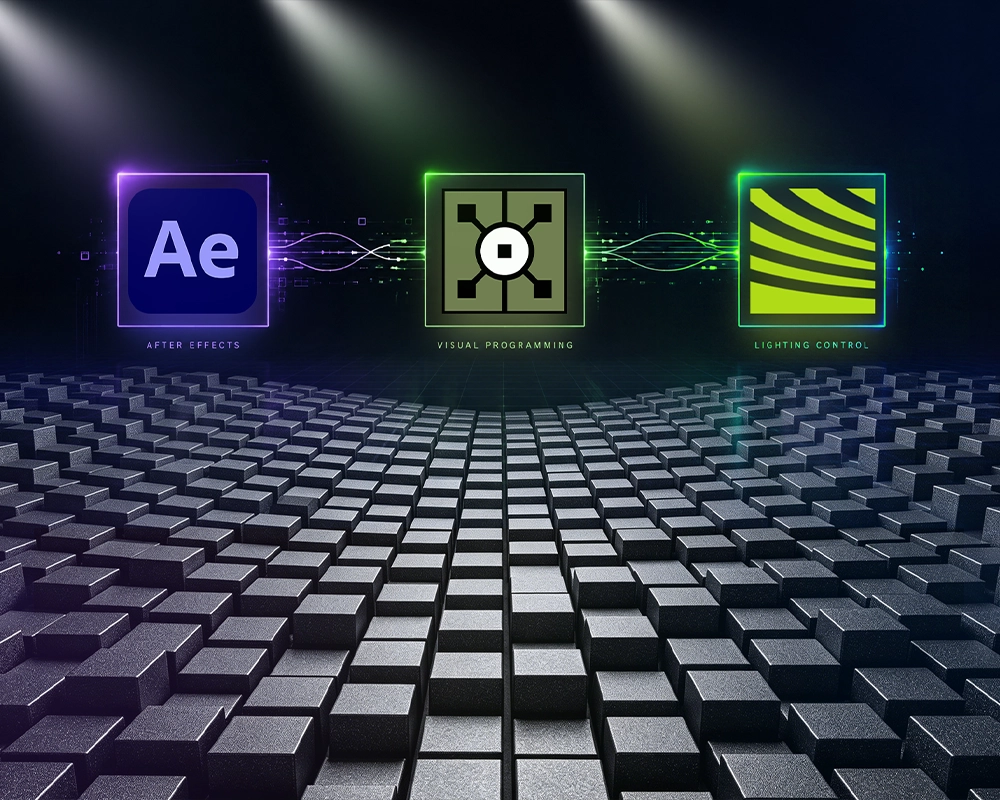
How Do You Create Content for a Kinetic LED Screen? From After Effects and DMX512 to TouchDesigner and UE5
One-Sentence Definition: Kinetic LED content creation is a cross-media production process that converts the grayscale information in visual content into real-time physical Z-axis movement commands. It is no longer just about how good the visuals look—it is about how the screen itself moves.
Contents
- Why Do Some Projects Have the Hardware but Still Struggle to Create Kinetic Content?
- Rethinking Content: A Kinetic LED Screen Is Not Just Playing Video—It Is Executing Displacement Data
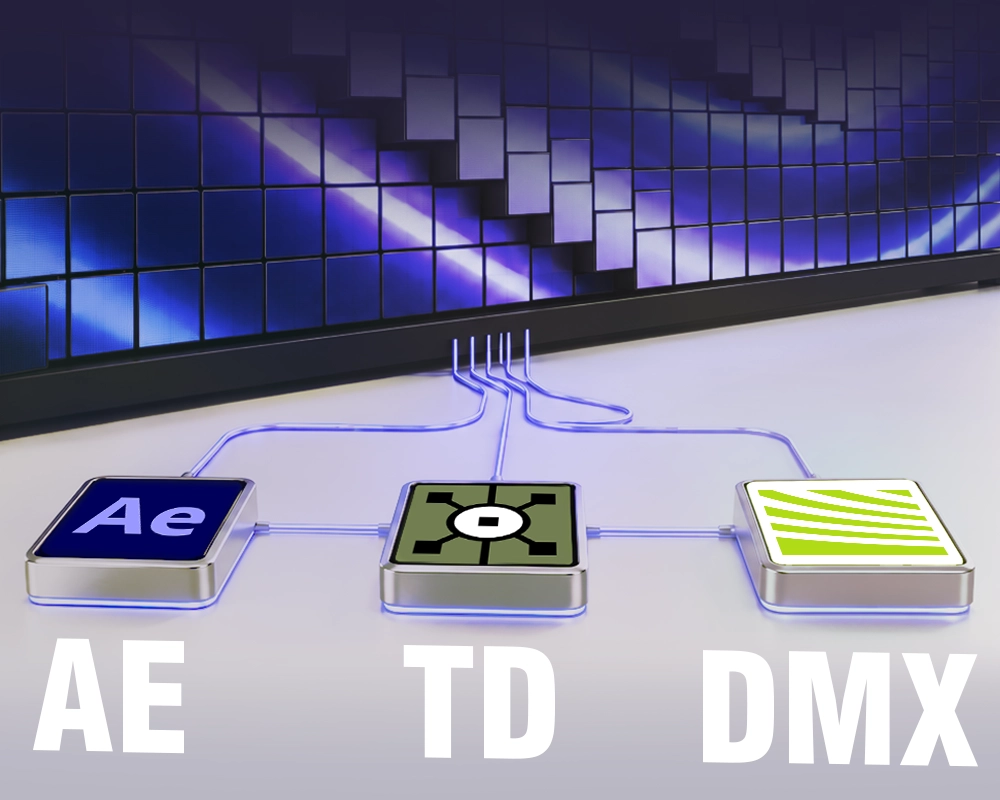
- Toolchain 1: MotionMatrix4 + After Effects — No-Code Motion Creation for Designers
- Toolchain 2: Mshow — Create Kinetic Content as Easily as a PowerPoint Presentation
- Toolchain 3: DMX512 Integration — Let Lighting Designers Control the Screen from the Console
- Toolchain 4: TouchDesigner and UE5 — Giving the Screen “Eyes and a Brain”
- Frequently Asked Questions (FAQ)
- Conclusion: Hardware Is Only the Beginning; the Content Ecosystem Brings It to Life
1. Why Do Some Projects Have the Hardware but Still Struggle to Create Kinetic Content?
There is an awkward situation that often occurs after a mechanical LED project has been installed.
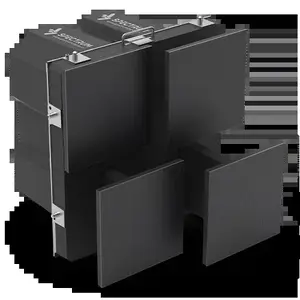
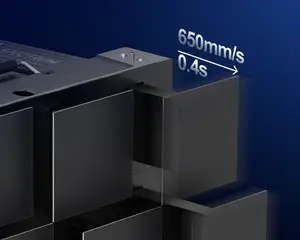
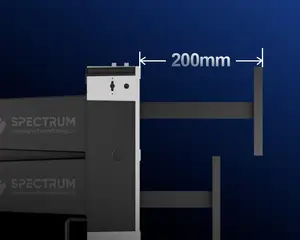
A client invests in a 3D kinetic LED screen such as the SPKI-166, with a 230mm motion stroke and a maximum speed of 650mm/s. But when it is finally time to put content on the screen, the operations team simply loads a conventional promotional video.
The result?
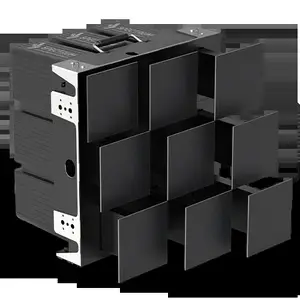
The kinetic LED screen becomes an extremely expensive flat display. The LEDs are producing images, but the physical modules remain completely still.
Without purpose-built kinetic content, a mechanical LED screen loses the very feature that makes it different.
The conventional content workflow looks like this:
Edit video → Export MP4 → Play the video
A kinetic LED content workflow is fundamentally different:
Design visuals → Generate displacement data → Drive the motors → Extend and retract the physical LED modules
This is not simply a technical upgrade. It requires an entirely different creative logic.
To lower this barrier, Spectrum Display has developed an integrated hardware + software + content ecosystem. From beginners to professional motion designers, lighting operators, and interactive developers, different users can choose the workflow that best fits their skills and project requirements.
2. Rethinking Content: A Kinetic LED Screen Is Not Just Playing Video—It Is Executing Displacement Data
The core logic behind kinetic LED content lies in grayscale values.
Within a kinetic content workflow, the content can generally be understood as two layers: a visual layer for color and imagery and a control layer for grayscale displacement data.
- Pure black (0% brightness): The corresponding physical module remains at its initial position—fully retracted.
- Pure white (100% brightness): The corresponding module reaches its maximum extension—for the SPKI-166, up to 230mm.
- Gray (1%–99% brightness): The module stops at a corresponding intermediate Z-axis position.
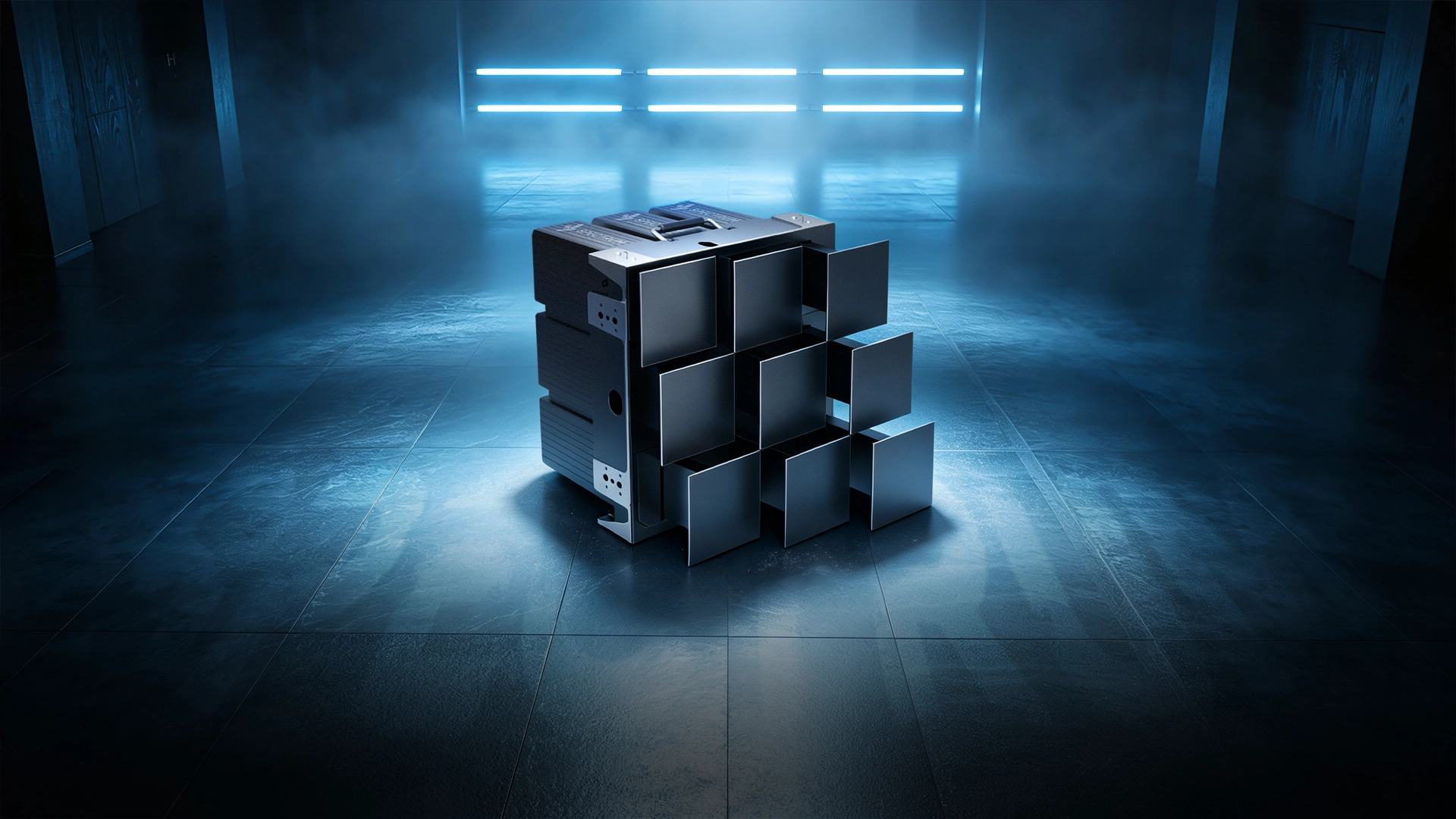
As the grayscale values in the control layer change, the physical surface of the screen rises and falls accordingly.
Once you understand this relationship, you understand the fundamental “source code” of kinetic LED content:
Grayscale is not simply brightness information—it becomes physical displacement data.
3. Toolchain 1: MotionMatrix4 + After Effects — No-Code Motion Creation for Designers
For most motion and visual designers, Adobe After Effects (AE) is already a familiar creative environment.
Spectrum Display therefore developed the dedicated MotionMatrix4 plugin, removing one of the biggest barriers to kinetic LED content creation: the assumption that designers need programming skills to control a mechanical display.
How does it work?
- The designer creates the visual content in After Effects.
- A grayscale control layer is added—for example, an animated gradient, ring, pulse, or other displacement pattern.
- MotionMatrix4 maps changes in grayscale values to physical Z-axis extension and retraction commands.
The workflow is essentially WYSIWYG—What You See Is What You Get.
During content creation, designers can preview a virtual 3D model and see how the physical surface will move in response to changes in the grayscale map.
If the designed movement exceeds the mechanical speed limits of the system, the plugin can issue a warning and smooth the motion directly within the AE workflow to correct excessive movement speed.
This dramatically shortens the distance between creative design and physical execution. Motion sequences that previously required extensive on-site adjustment can now be prepared much more efficiently before deployment.
4. Toolchain 2: Mshow — Create Kinetic Content as Easily as a PowerPoint Presentation
What if there is no professional motion designer on site and the screen needs to be operated by a regular marketing or operations team?
That is where Mshow comes in.
Mshow is Spectrum Display’s 3D presentation platform designed to make kinetic content creation accessible to users without specialist programming experience. Its workflow is intentionally closer to familiar presentation software such as Microsoft PowerPoint.
Key Advantages
1:1 Digital Canvas
The virtual canvas directly corresponds to the dimensions and layout of the physical kinetic LED screen.
Drag-and-Drop Content Creation
Users can place text, images, graphics, and other visual elements into the scene without writing code.
Real-Time Preview
Visual content and physical motion trajectories can be previewed together during the creation process.
For corporate showrooms and product launches, this creates a much simpler operating workflow.
A presenter can move through a presentation while the physical LED modules rise, retract, and emphasize key moments in synchronization with the content—turning a conventional presentation into a spatial visual experience.
5. Toolchain 3: DMX512 Integration — Let Lighting Designers Control the Screen from the Console
At concerts, stage productions, and product launches, the lighting operator often controls the timing of the entire visual environment.
If the kinetic LED screen cannot operate within the same control ecosystem as the lighting system, the experience can easily feel fragmented.
Spectrum Display provides a dedicated DMX512-to-USB converter, allowing the kinetic LED system to integrate with professional show-control environments.
Why does this matter?
A lighting designer does not need to learn After Effects or complex 3D software just to control the physical movement of the screen.
Instead, the operator can work from a professional lighting console such as grandMA, controlling the kinetic LED surface in a workflow similar to operating moving-head fixtures.
As the operator moves a console fader, the LED modules receive corresponding DMX512 commands and extend or retract in real time.
The physical movement of the screen can therefore become part of the lighting design itself, bringing audio, lighting, digital visuals, and physical motion into one coordinated show-control environment.
6. Toolchain 4: TouchDesigner and UE5 — Giving the Screen “Eyes and a Brain”
When a kinetic LED screen is installed in a science museum, interactive exhibition, experiential showroom, or digital art installation, simply playing predetermined content is no longer enough.
The screen needs to sense and respond to people.
With Spectrum Display’s TouchDesigner (TD) and Unreal Engine 5 (UE5) plugins, the kinetic LED screen can evolve from a playback device into an interactive physical interface.
With TouchDesigner
Developers can integrate external sensing technologies such as LiDAR, depth cameras, and microphones.
When a visitor approaches, waves a hand, or makes a sound, TouchDesigner captures the incoming sensor data and converts it into control information through the plugin.
The physical LED modules can then react—for example, retracting away from a visitor, gathering toward a detected position, or creating a moving surface that follows human movement.
The screen is no longer simply displaying an animation.
The audience becomes part of the input.
With Unreal Engine 5
UE5 allows developers to connect sophisticated real-time visual effects with the physical movement of the kinetic LED surface.
For example, a virtual explosion can be created on screen. UE5’s particle and real-time rendering systems can then work with the motion-control mapping so that hundreds or thousands of physical modules extend and retract in coordination with the visual effect.
Digital physics and real-world physical motion begin to operate as part of the same experience.
At this point, the kinetic LED screen is no longer just hardware. It becomes an interactive system with its own “eyes,” “ears,” and physical response.”
▶Video · YouTubeISLE 2026 SHOWSTOPPER! The Ultimate Zero-Code Kinetic ScreenWatch on YouTube →7. Frequently Asked Questions (FAQ)
Q1: We do not have a professional designer. Can we create kinetic LED content ourselves?
A: Yes. If your team is comfortable using presentation software such as PowerPoint, Mshow provides a relatively accessible workflow.
If you already have a designer with basic After Effects experience, the MotionMatrix4 plugin can also significantly reduce the learning curve. With approximately 2–6 hours of training, designers can begin working with the basic kinetic content workflow.
Q2: Does the MotionMatrix4 plugin support all versions of After Effects?
A: MotionMatrix4 is compatible with mainstream versions of Adobe After Effects and supports 4K and higher-resolution projects.
Q3: Can DMX512 and Art-Net be used within the same control ecosystem?
A: Yes. The underlying system supports multiple control protocols and can be integrated with professional lighting consoles, content-production workflows, and interactive control systems.
Q4: What happens if the kinetic LED screen loses its network connection or control signal?
A: The system incorporates signal redundancy and loss-protection mechanisms. If an abnormal signal condition occurs, the motors stop at a safe position and the system activates its reset protection logic to reduce the risk of equipment damage or unexpected movement.
Q5: Can we use UE5 to develop a motion-controlled interactive game for a product launch?
A: Yes. Through the UE5 workflow, developers can integrate compatible motion-sensing devices, radar systems, or cameras so that audience movements can be translated into real-time changes in the physical LED modules.
8. Conclusion: Hardware Is Only the Beginning; the Content Ecosystem Brings It to Life
Buying the hardware is only the first step. The content ecosystem is what turns a kinetic LED screen into a creative medium.
The key points are:
- Grayscale-driven motion: Black, white, and gray values can be mapped directly to different physical Z-axis positions.
- MotionMatrix4 + After Effects: A no-code workflow that allows visual designers to connect motion graphics with physical movement using a familiar creative environment.
- Mshow: A simplified workflow that makes kinetic content creation more accessible to non-specialist operators.
- DMX512: Integrates the kinetic LED screen with professional lighting consoles, allowing lighting and physical movement to operate within the same show-control environment.
- TouchDesigner + UE5: Connect sensors, real-time graphics, and interactive data to the physical screen, transforming it from a display into a responsive spatial interface.
The real difference between a conventional LED screen and a 3D kinetic LED screen is therefore not simply that one can move.
It is that content itself becomes physical movement.
For more information about kinetic LED content creation or a customized SPKI-166 solution, contact the Spectrum Display team through the Spectrum Display official website.